Disclaimer
This blog is intended strictly for research and educational purposes. It is not designed for, and must not be used in, production environments or for unlawful activities. The authors and contributors take no responsibility for misuse or for any damage caused to devices, data, or systems.
This blog will tell you how to bypass activation lock on devices that use Apple A5 SoC, including
- iPhone 4s
- iPod Touch 5
- iPad 2 (Wi-Fi)
- iPad 2 (Wi-Fi/GSM/CDMA and revised)
- iPad mini 1 (Wi-Fi/GSM/LTE/CDMA/LTE)
- iPad 3 (Wi-Fi/GSM/CDMA)
Prerequisites
- A computer with Linux or Windows Operating System.
- A device that use Apple A5 SoC.
- A cable that can do data transfer. (Avoid 30pin to USB-C adapters)
- An internet connection.
Extra Steps (Windows)
Windows require you to install Apple’s driver. I recommended you grabbing 3uTools as it provide the drivers and iTunes (you may need later for music)
Preparation
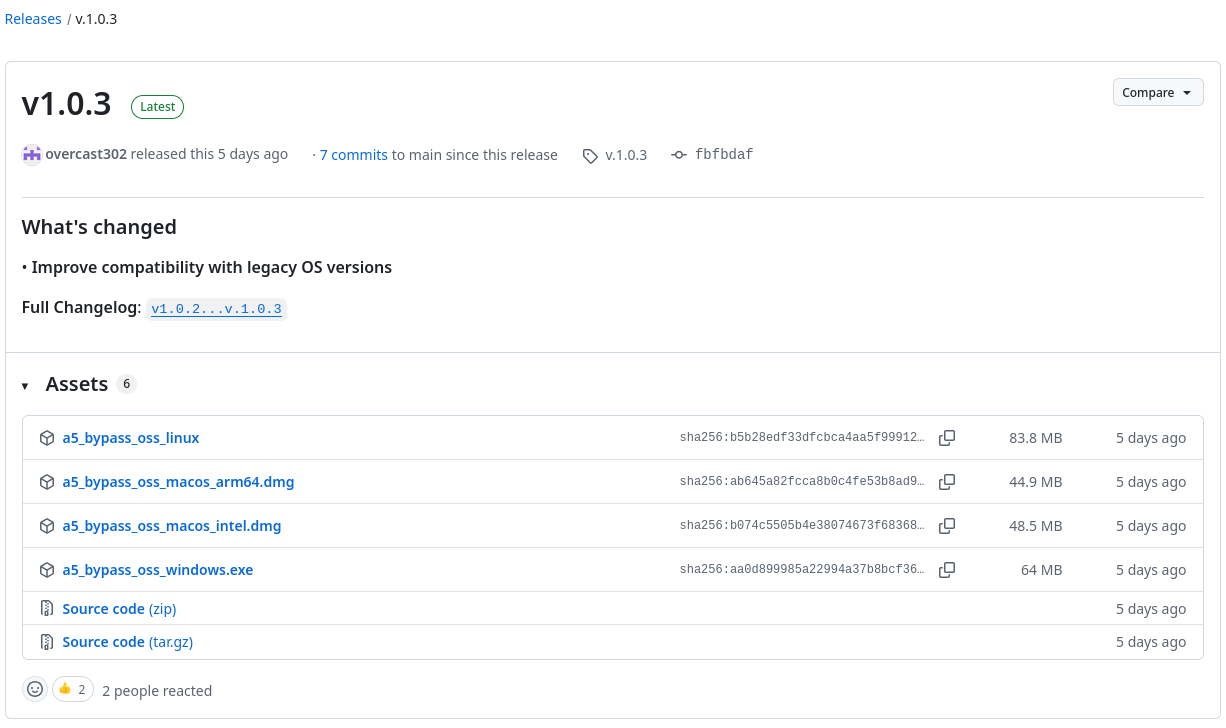
To activate, you would need to download A5_Bypass_OSS executable from GitHub Release depending on your OS. If you are on windows grab the exe file! If you are on Linux grab the executable file!
Quirks
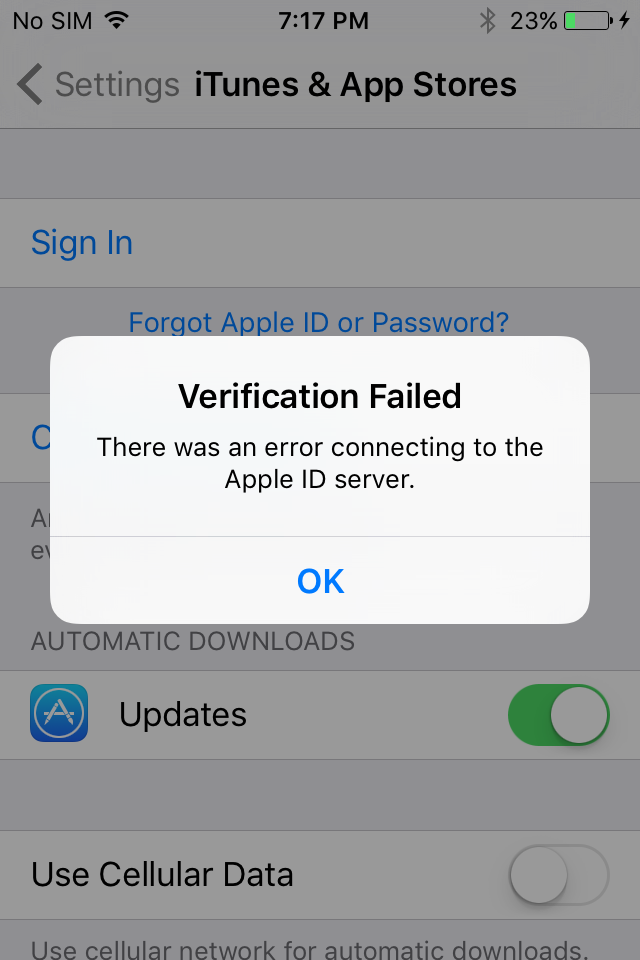
After bypassing, you cannot sign-in to any apple account because activation ticket aren’t valid on apple server side.
Which means you cannot sideload an IPA since those require a verification from apple server. But what you can do is jailbreak the device and then install the IPAs with “IPA Installer” from Cydia.
How does it work?
What it does is that it will push a payload file to “Downloads/downloads.28.sqlitedb” replacing device’s downloads database with a crafted one. And then check for a special activation flag “ShouldHactivate“ from MobileGestalt, if “ShouldHactivate” becomes not False, it assumes that the activation is successful and reboots again. if not successful, it retries up to 5 attempts.
Starts bypassing
This section of the blog will I will be using Linux since it’s easier to demonstrate.
Note: Windows shared the same step but change from Linux executable to Windows executable.
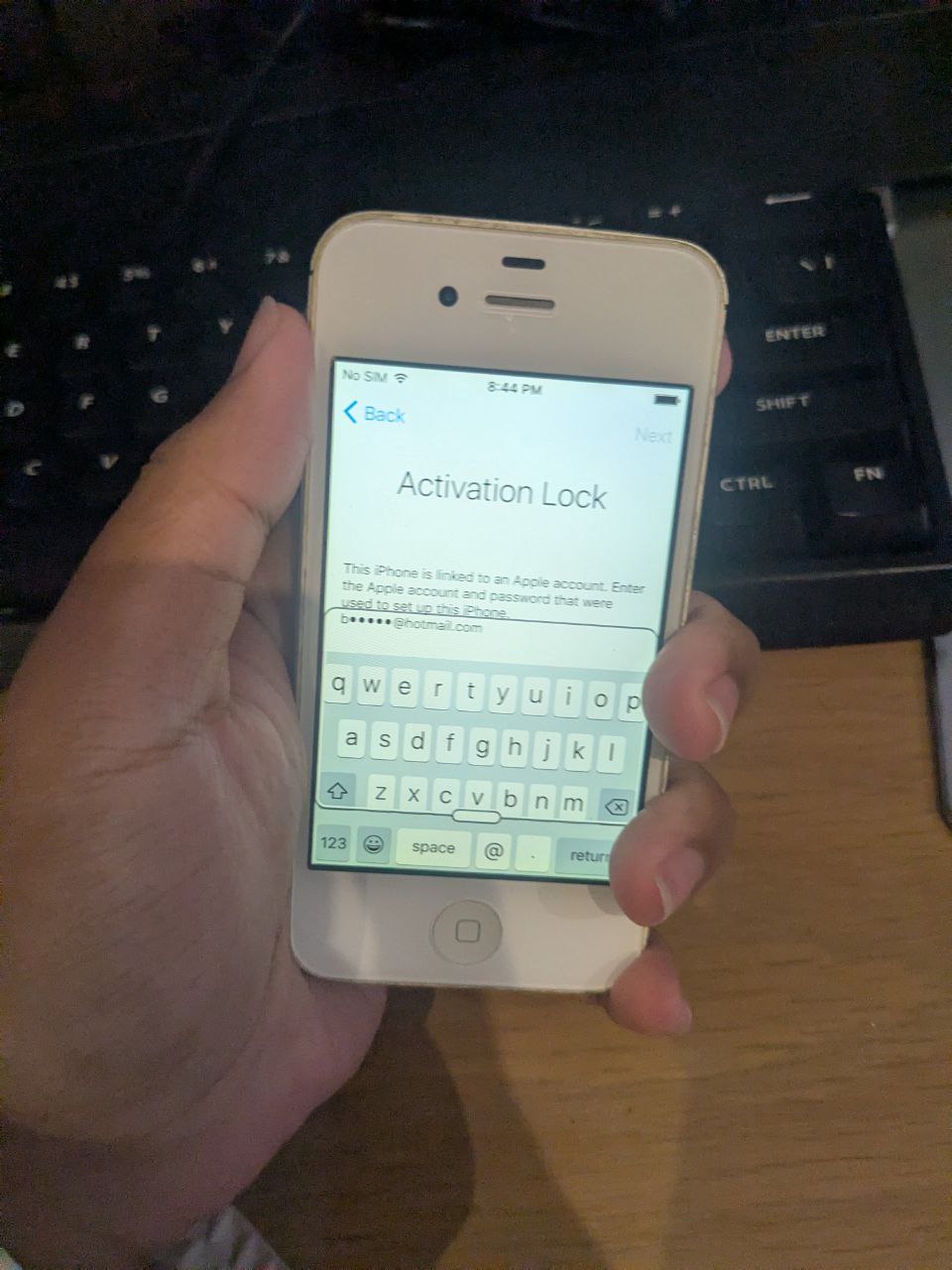
As you can see, this phone is currently locked to an iCloud account.
What we are going to be doing is download the Linux executable from the GitHub Release.
Next, we need to make the file executable with chmod +x a5_bypass_oss_linux or if you use gnome you can make them executable by enabling “Executable as Program”
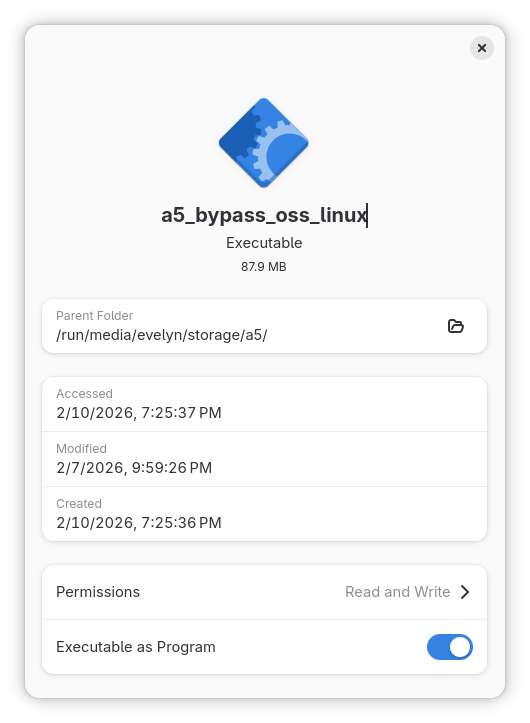
After the file became executable. Open it and you will be greet by a simple GUI.
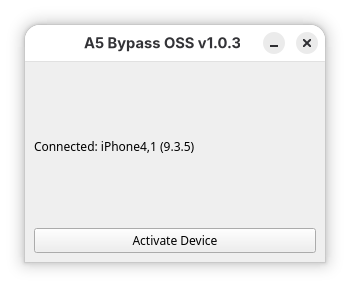
This application will tell you about connected device in this case is an iPhone 4s on iOS 9.3.5 Down below that, there is a button “Activate Device”. Make sure that your iDevice is connected to the internet. Click “Activate Device” and it will try to activate the device within 5 attempts.
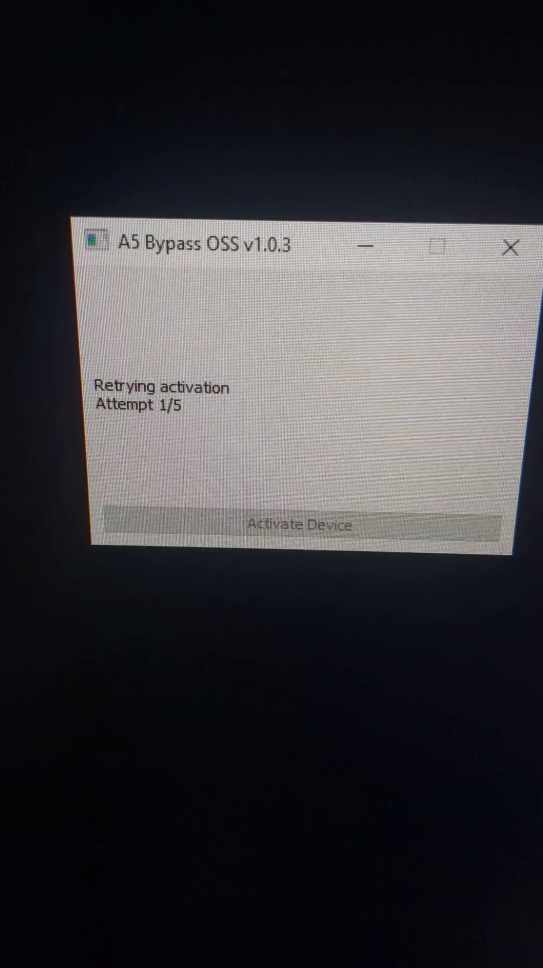
Once you click “Activate Device” it will reboot until the process is finished.
Once the process is finished, you will be notify with a window saying that your device is activated and ensure that it is connected to Wi-Fi
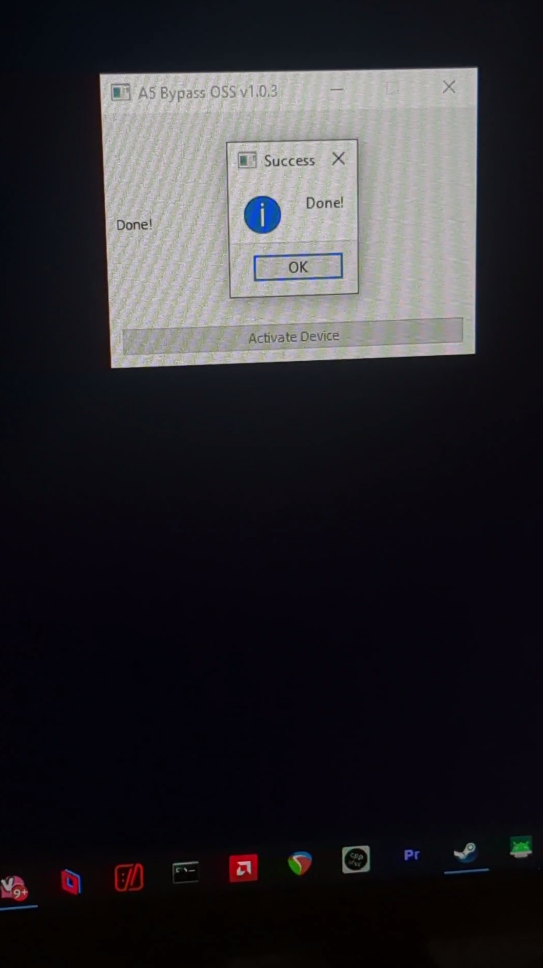
And now you have a “working” A5 device! Next step is to jailbreak. (Trust me you’ll need this)
Jailbreak
Why do we need to jailbreak?
Jailbreaking will make this phone more usable since we don’t have access to the app store or sideloading.
How do I jailbreak my A5 device?
If you are on iOS 8.0-9.3.6 you only have one option which is to use Carbon. Carbon is a WebKit-based jailbreak, capable of jailbreaking every 32-bit iOS device on iOS versions 8.0 to 9.3.6.
Carbon jailbreak is only untethered on iOS versions 8.0 to 9.3.4. If you are on iOS versions 9.3.5-9.3.6, you will need to re-run the exploit after every reboot.
Running Carbon
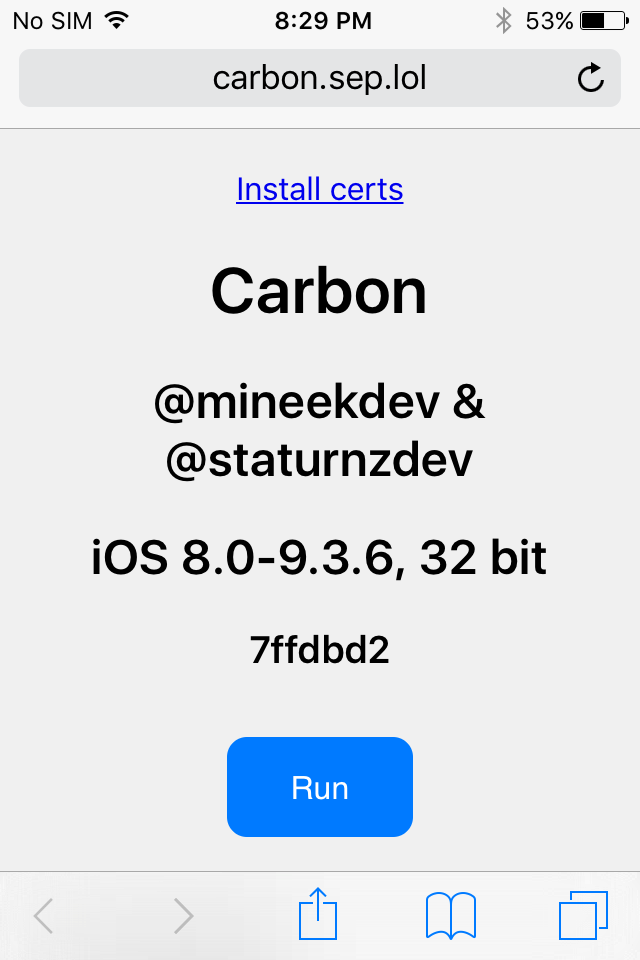
Open Safari on your iOS device
Go to http://carbon.sep.lol/ website
Press “Run”
If the device reboots or the page refreshes, and you don’t end up in a jailbroken state, try again.
Carbon will now jailbreak your device.
To rejailbreak in the future, repeat these steps again.
Tap Share -> Add to home screen for easier access to Carbon.
You should now be jailbroken with Cydia installed on your home screen! You can use Cydia to install tweaks, themes and more.
Sideloading Applications.
To sideload application, head to Cydia and install “IPA Installer”.
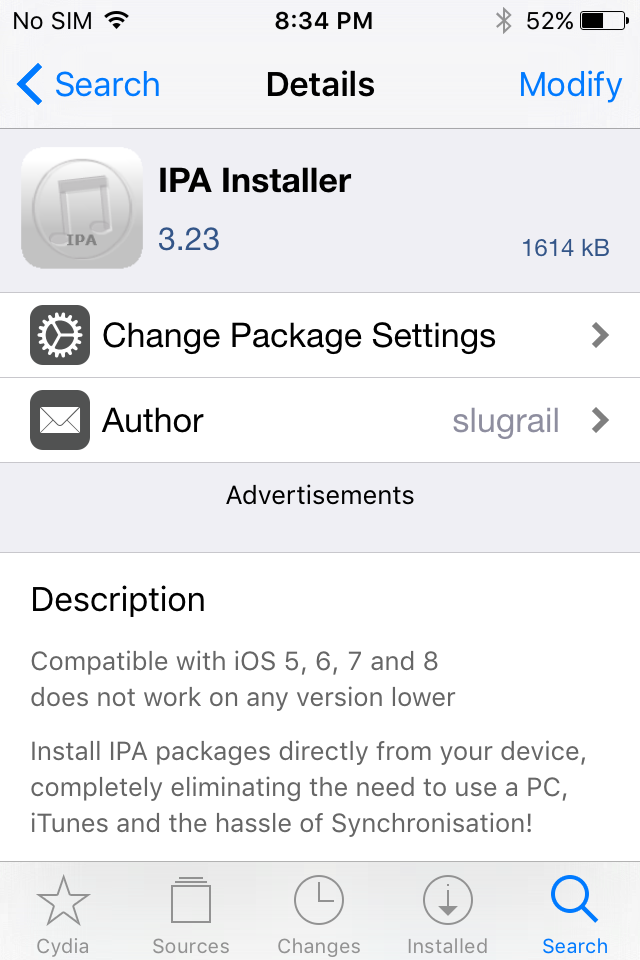
After it’s done installed you should be able to see “IPA Installer” on your home screen.
Now, copy your .IPA file to your iDevice using SCP and open IPA Installer. Once you open IPA Installer, locate the IPA you just transfer using SCP.
Note: Device must have OpenSSH server installed
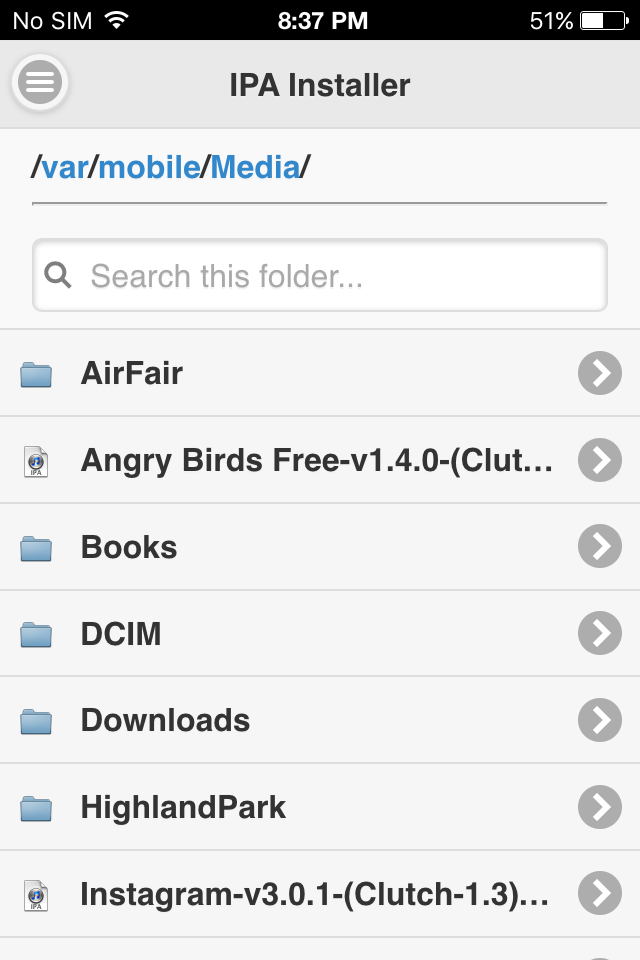
When you located them, click on the IPA file and it should start installing. Once done it will notify you with a popup saying that it has successfully installed IPA.
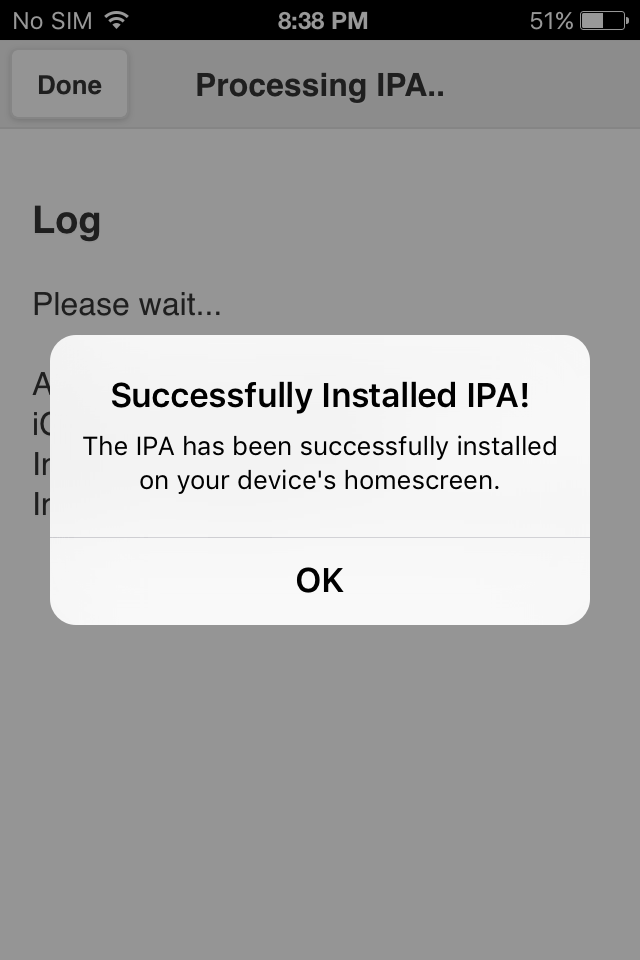
And done! You have successfully installed an application on your iDevice!
In the next blog post, I will demonstrate on How to fix YouTube with TubeRepair.
Credits
overcast302 - Making A5_Bypass_OSS
pkkf5673 - Contribute to A5_Bypass_OSS
bl_sbx - Contribute to A5_Bypass_OSS
pymobiledevice3 - Tool that was used in A5_Bypass_OSS
iOS Guide Wiki - Providing Carbon instructions.